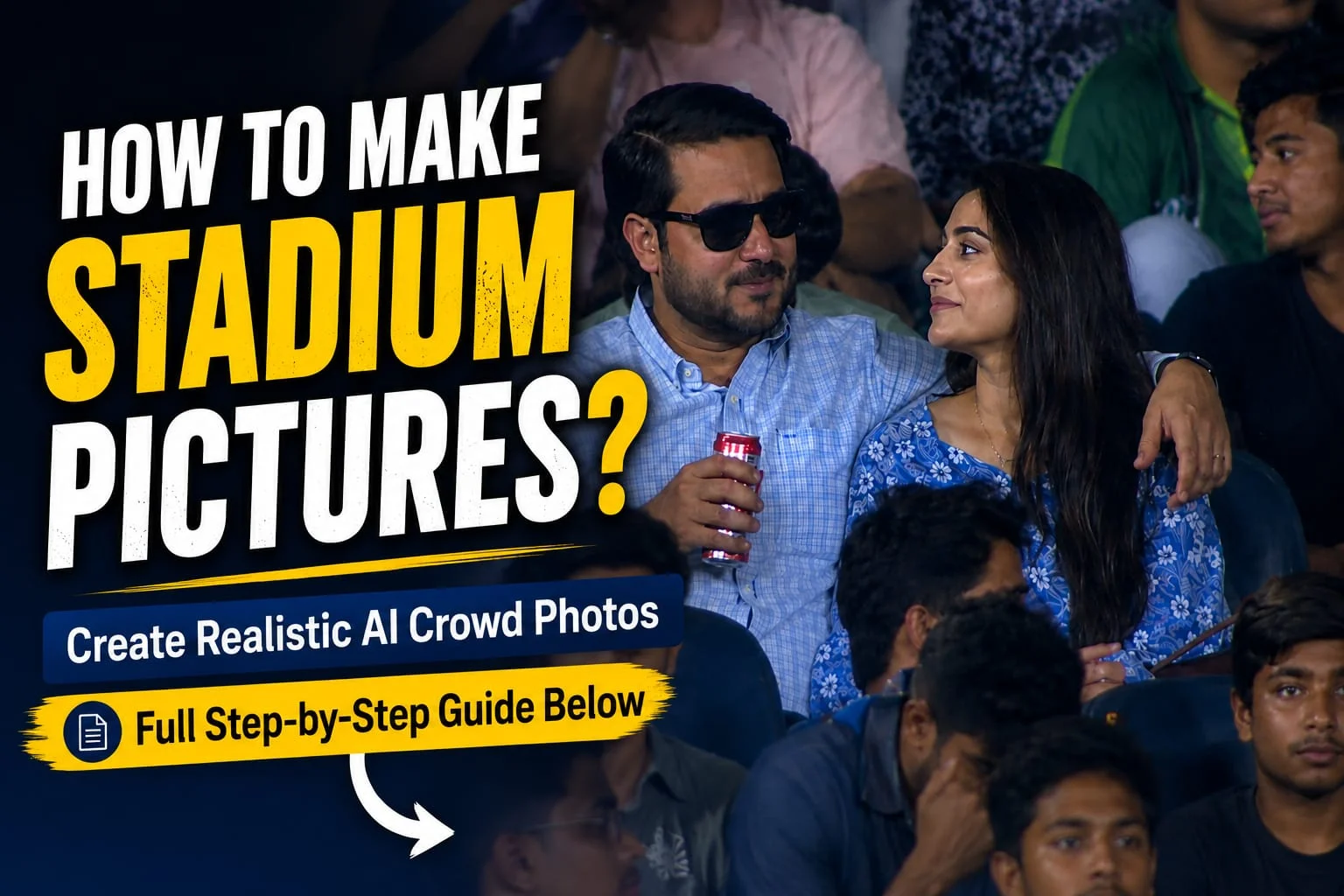
Stadium pictures look powerful, stylish, and cinematic. Whether you want a football stadium photo, cricket stadium picture, concert stadium background, or a professional sports-style image, creating a realistic stadium picture is now easier than ever.
Today, you do not need to visit a real stadium to get this type of photo. With the help of mobile editing apps, background remover tools, AI image generators, and simple photo editing techniques, anyone can make a high-quality stadium picture from home.
In this guide, you will learn how to make picture in stadium step by step using easy methods that work for beginners.
What Does “Make Picture in Stadium” Mean?
Making a picture in stadium means creating or editing a photo where a person appears inside a stadium environment. This can be done in different styles, such as:
- Standing in a football stadium
- Sitting in a cricket stadium crowd
- Walking on a sports ground
- Posing under stadium lights
- Creating a cinematic sports poster
- Making an AI-generated stadium portrait
- Adding a stadium background behind your photo
People use stadium pictures for social media posts, profile photos, YouTube thumbnails, sports posters, team graphics, and personal edits.
Best Ways to Make a Picture in Stadium
There are two main ways to create a stadium picture:
1. Edit Your Real Photo
In this method, you take your own photo and replace the background with a stadium background. This is best if you want your real face and body in the final image.
2. Generate a Stadium Picture With AI
In this method, you use an AI image generator and write a prompt. The AI creates a new stadium-style photo based on your description. This is good for creative posters, fantasy sports images, and cinematic edits.
Both methods can create amazing results if done properly.
How to Make Picture in Stadium Using Mobile Editing Apps
If you want to use your own photo, follow these simple steps.
Step 1: Choose a Clear Photo
Start with a clear photo of yourself. The better your original photo is, the better your stadium edit will look.
Use a photo where:
- Your face is clearly visible
- The lighting is good
- Your body is not blurry
- The background is simple
- Your pose looks natural
- You are wearing suitable clothes
For a sports stadium picture, wear a football jersey, cricket shirt, tracksuit, jacket, or casual outfit. This makes the final image look more real.
Step 2: Remove the Background
Use a background remover app or online tool to remove your current background. Many editing apps can do this automatically.
After removing the background, check the edges of your body, hair, shoes, and clothes. If the edges look rough, clean them manually using the erase or restore tool.
A clean cutout is very important because bad edges can make the photo look fake.
Step 3: Add a Stadium Background
Now choose a high-quality stadium background. You can use:
- Football stadium background
- Cricket stadium background
- Empty stadium background
- Night stadium with lights
- Stadium crowd background
- Sports ground background
- Concert stadium background
Try to choose a background that matches your photo angle. If your photo was taken from the front, use a front-facing stadium background. If your photo is taken from a low angle, choose a stadium background with a similar angle.
Step 4: Adjust Size and Position
Place your photo inside the stadium background. Adjust your size carefully so you do not look too big or too small.
For a realistic result:
- Keep your feet near the ground level
- Match your body size with the stadium environment
- Do not stretch the photo too much
- Keep the person centered or slightly to one side
- Make sure the pose looks natural in the scene
If you are standing on the ground, add your body in the field area. If you are sitting, place yourself in the audience seat area.
Step 5: Match the Lighting
Lighting is the most important part of making a realistic stadium picture. If your photo has daylight but the stadium background is at night, the edit will look fake.
To fix this, adjust:
- Brightness
- Contrast
- Shadows
- Highlights
- Color temperature
- Saturation
- Sharpness
For a night stadium photo, reduce brightness slightly and add cool lighting. For a sunset stadium photo, add warm orange tones. For a sports poster look, increase contrast and sharpness.
Step 6: Add Shadows
A shadow makes the person look connected to the ground. Without a shadow, the person may look like they are floating.
Add a soft shadow under the feet or behind the body. Keep the shadow direction according to the stadium lights.
For example, if the light is coming from the top, the shadow should stay under the person. If the light is coming from the side, the shadow should move in the opposite direction.
Step 7: Add Stadium Effects
To make your stadium picture more attractive, add some effects such as:
- Stadium light glow
- Lens flare
- Crowd blur
- Smoke effect
- Rain effect
- Grass texture
- Motion blur
- Dust particles
- Cinematic color grading
Do not add too many effects. Keep the image clean and realistic.
Best Apps to Make Stadium Pictures
You can use different apps to create stadium-style photos. Some popular options include:
- PicsArt
- Canva
- Lightroom Mobile
- Snapseed
- CapCut
- Photoshop Express
- Remini
- PixelLab
- Background Eraser
- AI photo editor apps
For beginners, PicsArt and Canva are easy options. For professional color correction, Lightroom and Snapseed are better.
How to Make Picture in Stadium Using AI
AI image generators are now very popular for creating realistic stadium pictures. You only need to write a good prompt and the tool creates the image for you.
A good AI prompt should include:
- Person description
- Stadium type
- Outfit
- Pose
- Lighting
- Camera angle
- Mood
- Image quality
- Background details
The more clear your prompt is, the better result you will get.
AI Prompt for Stadium Picture
Here is a ready-to-use prompt:
Prompt:
Create a realistic cinematic photo of a young man standing confidently inside a large football stadium at night. Bright stadium floodlights are shining from above, a huge crowd is visible in the background, the grass field looks fresh and detailed, the person is wearing a stylish sports outfit, realistic face details, natural body posture, dramatic shadows, professional sports photography style, ultra realistic, sharp focus, high quality, 4K, cinematic lighting.
AI Prompt for Cricket Stadium Picture
Create a realistic cinematic photo of a person standing in the middle of a large cricket stadium. The stadium is full of cheering fans, bright floodlights are glowing, green cricket ground, professional sports atmosphere, realistic outfit, natural pose, detailed face, dramatic lighting, shallow depth of field, high-quality sports photography, ultra realistic, 4K.
AI Prompt for Empty Stadium Picture
Create a realistic photo of a person standing alone in an empty stadium during golden hour. Warm sunlight is coming through the stadium seats, soft shadows on the ground, peaceful sports ground atmosphere, cinematic composition, realistic face, natural pose, detailed background, professional photography, high resolution.
AI Prompt for Stadium Poster Style
Create a powerful sports poster of a person standing in a modern stadium under bright floodlights. Add dramatic smoke, glowing stadium lights, cheering crowd, intense cinematic mood, strong shadows, realistic sports outfit, professional poster composition, ultra detailed, high contrast, 4K quality.
Tips to Make Stadium Photo Look Real
If you want your stadium picture to look professional, follow these tips:
Use a high-resolution stadium background.
Match the lighting of your photo and background.
Add realistic shadows under the body.
Do not overuse filters.
Keep skin tone natural.
Use blur in the background for depth.
Make sure the person size looks correct.
Use cinematic color grading for a premium look.
A realistic stadium picture depends on small details. Even a simple edit can look professional if the lighting, shadow, and background match properly.
Common Mistakes to Avoid
Many people make stadium pictures, but the final result looks fake because of small mistakes. Avoid these errors:
Using a low-quality background
Adding a person with rough edges
Not matching light direction
Making the person too large
Adding too many effects
Using unrealistic colors
Forgetting to add shadow
Using blurry face photos
If you fix these mistakes, your stadium edit will look much better.
Best Stadium Picture Ideas
Here are some creative ideas you can try:
Football player standing in stadium
Cricket player holding bat in stadium
Biker standing in stadium lights
Singer performing in concert stadium
Motivational sports poster
Team announcement graphic
Victory celebration photo
Rainy stadium cinematic edit
Empty stadium emotional photo
Night stadium profile picture
These ideas are perfect for Instagram, Facebook, YouTube thumbnails, sports pages, and personal branding.
How to Make Stadium Picture for Social Media
If you want to post your stadium picture on social media, use the right size:
For Instagram Post: 1080 x 1080 pixels
For Instagram Story: 1080 x 1920 pixels
For Facebook Post: 1200 x 1200 pixels
For YouTube Thumbnail: 1280 x 720 pixels
For TikTok Cover: 1080 x 1920 pixels
Use a clear subject, strong lighting, and eye-catching background. If you are making a thumbnail, keep space for text on one side.
Final Words
Now you know how to make picture in stadium using both photo editing apps and AI tools. Whether you want a realistic football stadium photo, cricket stadium edit, or cinematic sports poster, the process is simple if you follow the right steps.
Start with a clear photo, remove the background properly, add a high-quality stadium background, match the lighting, add shadows, and apply final color grading. If you use AI, write a detailed prompt with stadium type, lighting, pose, outfit, and style.
With a little practice, you can create professional-looking stadium pictures for social media, posters, thumbnails, and profile photos.
FAQs
How can I make my picture in a stadium?
You can make your picture in a stadium by removing your photo background and adding a stadium background using apps like PicsArt, Canva, or Photoshop Express.
Can I create a stadium picture with AI?
Yes, you can use an AI image generator and write a detailed prompt describing the stadium, person, outfit, pose, lighting, and style.
Which app is best for stadium photo editing?
PicsArt, Canva, Lightroom, Snapseed, and Photoshop Express are good apps for stadium photo editing.
How do I make my stadium photo look realistic?
Use a high-quality background, match the lighting, add shadows, adjust colors, and keep the person size natural.
Can I make a cricket stadium picture?
Yes, you can use a cricket stadium background or AI prompt to create a realistic cricket stadium photo.
What is the best prompt for stadium pictures?
A good prompt should include the person, stadium type, lighting, pose, outfit, background, and image style. For example, “realistic cinematic photo of a person standing in a football stadium under bright floodlights.”